
Build and Sell an Online Course People Finish
Making a course is not one job, it is nine, and that is why so many sit half built in a folder. Here is the whole path from module list to certificate, with the admin taken off your hands.
Everyone who is good at something eventually gets told they should turn it into a course. It is decent advice and it is why so many half built courses are sitting in folders right now, at forty percent, quietly aging.
The reason is almost never the teaching. It is that "make a course" is not one job. It is recording, hosting, building a sales page, taking payment, creating logins, granting access, chasing the person whose password did not work, and issuing something at the end. Each one is small. Together they are the reason it stays at forty percent.
Get the shape right before you record anything
A course holds modules, and a module holds lessons. That is the whole structure and it matters more than it sounds, because it is the thing that turns "everything I know about this" into something finishable.
Separately there is an offer, which is the thing somebody buys. Keeping those apart is what lets you sell one course today, bundle three later, and run a free lead magnet version, without rebuilding anything.
Write the module list before you record a single lesson. Six modules with four short lessons each is a course. One folder with thirty videos in it is an archive, and people do not finish archives.
Building it
Go to Courses and VOD, then Courses, then New course, name it, and everything else can change later.
On the Content tab, add a module, then add lessons inside it, reordering with the arrows as your plan changes. Open a lesson and pick what it is: Video to upload your own, External video to paste a YouTube, Vimeo or Loom link, Text for a written lesson, or Downloads for worksheets and PDFs.
Not everything has to be video. The worksheet that takes ten minutes to make is often the lesson people thank you for, and a written lesson beats a bad screen recording of you reading a slide.
Video uploads go straight from your browser to the video host, so multi gigabyte files are fine. Leave the tab open until the progress bar finishes.
The one setting that sells the course
Tick free preview on one or two of your best lessons.
Anyone can then watch those on the sales page without paying. It is the single biggest thing that turns a browser into a buyer, and the reason is obvious once you say it out loud: nobody knows whether they like how you teach until they watch you teach.
Pick a lesson that delivers a real win on its own, not your introduction. Your introduction proves nothing.
The sales page
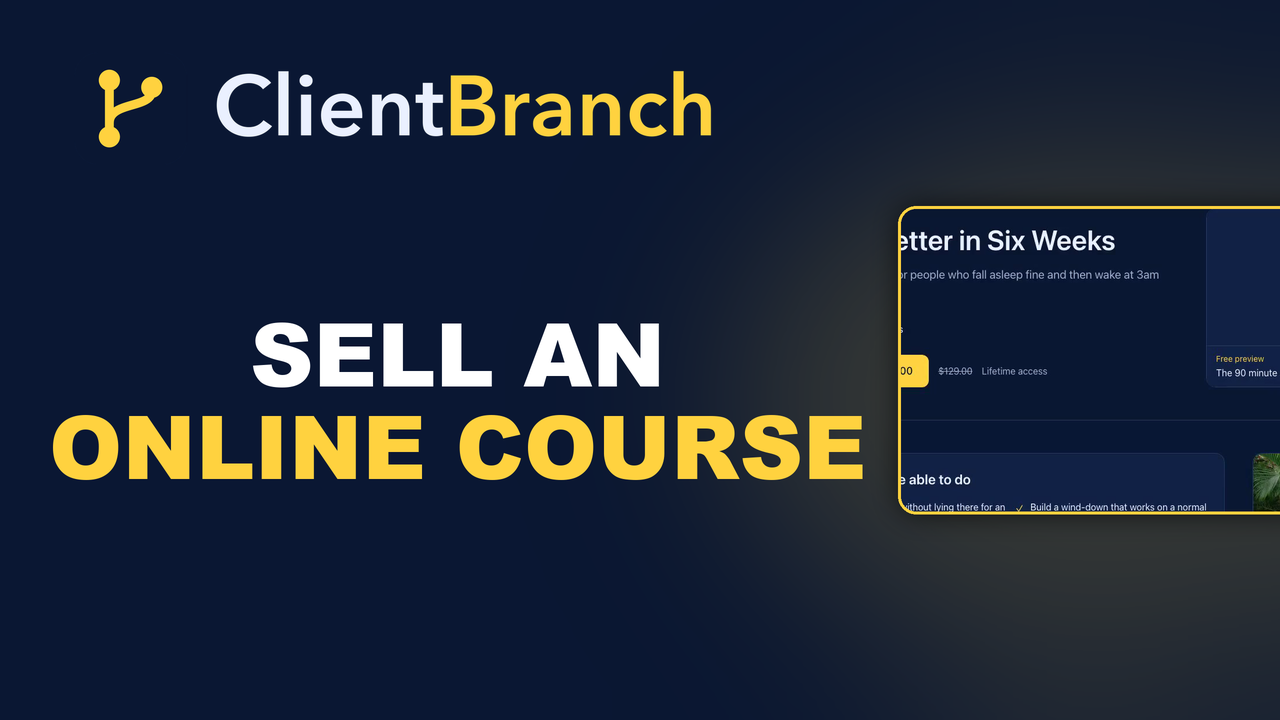
Your course gets a public page at its own address. Fill in the one line hook, what students will be able to do afterwards, the full description, and who it is for.
Add an instructor name and bio so the page has a face on it. People buy courses from people.
Two blocks earn their keep. Included with the course pulls the extras out where they can be seen instead of buried as another module. Common questions handles the objections that stop people buying, and it is marked up so Google can show it as a rich result.
The page ships proper Course structured data, so search engines can treat it as a course rather than a plain link.
If the blank page is what stops you, Write this page with AI takes a few honest sentences about the course and drafts the hook, description, FAQ and SEO for you to edit. It runs on your own AI key and only writes from what you tell it, so it cannot invent a testimonial you never had.
Pricing is a separate decision
Go to Offers, then New offer, tick the course it unlocks, and choose one payment with a price, free for a lead magnet, or invite only if you are enrolling people by hand.
Leave access length blank for lifetime, or set a number of days.
Set it live, copy the link, and that is your checkout page. It runs through the same Stripe account as everything else, with no per sale platform fees.
What happens when somebody buys
This is the part that usually eats an afternoon a week, and here it is nothing.
When the payment clears, the buyer's contact record, their login and their course access are all created, and they are emailed a link to set their password. You do not touch it. You find out you sold a course by seeing that you sold a course.
For the people who pay you another way, go to Students, then Grant access, enter their email, pick the offer, and leave the email box ticked. New people get a login and a password link. Existing students just get the extra course added. From the same screen you can resend a password link, suspend a login, or revoke access to one course, and there is a progress bar showing how far through each student is.
Certificates, issued without you
On the Certificate tab, switch on award a certificate on completion, set the wording and who signs it, and upload a signature image.
The moment a student marks the last lesson complete, the certificate is issued, they get emailed a link, and it gets a unique number and a public page anyone can verify. Nothing for you to do, ever.
It is worth more than it costs you. A certificate gives somebody a reason to finish, and a thing to post about finishing, which is free marketing from the person best placed to do it.
Let them talk
Turn on let buyers leave comments and enrolled students can post on lessons. You moderate from one screen, hiding rather than deleting so nothing is lost.
Comments are where you find out which lesson is confusing, which is the thing you can never see yourself. The question three people ask on lesson four is telling you lesson four needs rerecording.
Start smaller than you think
The course you have been planning for a year is too big. That is why it is still a plan.
Build the four module version of it. Record the lessons on your laptop. Put two free previews on the page, price it, and sell it to the list you already have.
You will learn more from ten students going through a short course than from another six months of building the long one, and you can keep adding to it afterwards, because everyone who bought it keeps their access.
Start your free trial of ClientBranch and get the first module built this week.
Try ClientBranch free for 15 days
Get booked, get paid, and keep clients coming back, all from one place. No card required, cancel anytime.
Start my 15-day free trial