
Sharing One Login Is Costing You More Than You Think
Every task, note and booking ends up attributed to the same person, and you lose the one record that tells you who did what. Here is the two-minute fix.
Two screens are worth getting right on day one. Who your business is, and who else can get into it.
Neither takes long. Both cause a surprising amount of trouble when they are wrong, and the trouble tends to show up months later, when it is expensive to unpick.
Your business profile is not paperwork
It is tempting to skim the Business Profile screen because it looks like a form. It is not. Everything on that page flows into what your clients see.
The header on an invoice. The sender on an email. The details on a booking page. Fill it in once and you stop retyping it forever, and more importantly, you stop sending documents with a placeholder where your address should be.
Two name fields that are not the same thing
There is a friendly business name and a legal business name, and they look identical until they are not.
The friendly name is what people call you. The legal name is the exact name you are registered under, and that is the one that belongs on a contract or an invoice. If they are the same thing for you, put the same thing in both and move on. If they are not, this field is the difference between a document that would stand up and one that would not.
The field people skip and regret
Your time zone drives every booking slot, every reminder and every task time in the account.
Get it wrong and your calendar quietly offers people appointments at the wrong hour, and you will not find out from the software. You will find out from a client standing outside your door an hour early, or not at all.
It takes four seconds to set and it is the single highest-consequence field on the page.
Everyone gets their own login
Not a shared one. This is the part people resist because a shared login feels simpler, and it is, for about a month.
Share a login and every task, note and booking in your account is attributed to the same person. You lose the one record that tells you who did what, which is the record you need on the day something goes wrong.
You also cannot remove one person's access without changing the password for everybody, which means you never do it, which means someone who left in March still has the keys in November.
They set their own password
Adding somebody sends them an email with a link to set their own password. You never handle it and never know it.
That is worth understanding as a security posture rather than a convenience. The most common way small businesses leak access is a password typed into a group chat, and this removes the moment where that happens.
Admin or User
An Admin can see and change everything, including billing. That should be you, and possibly one other person, and that is usually the whole list.
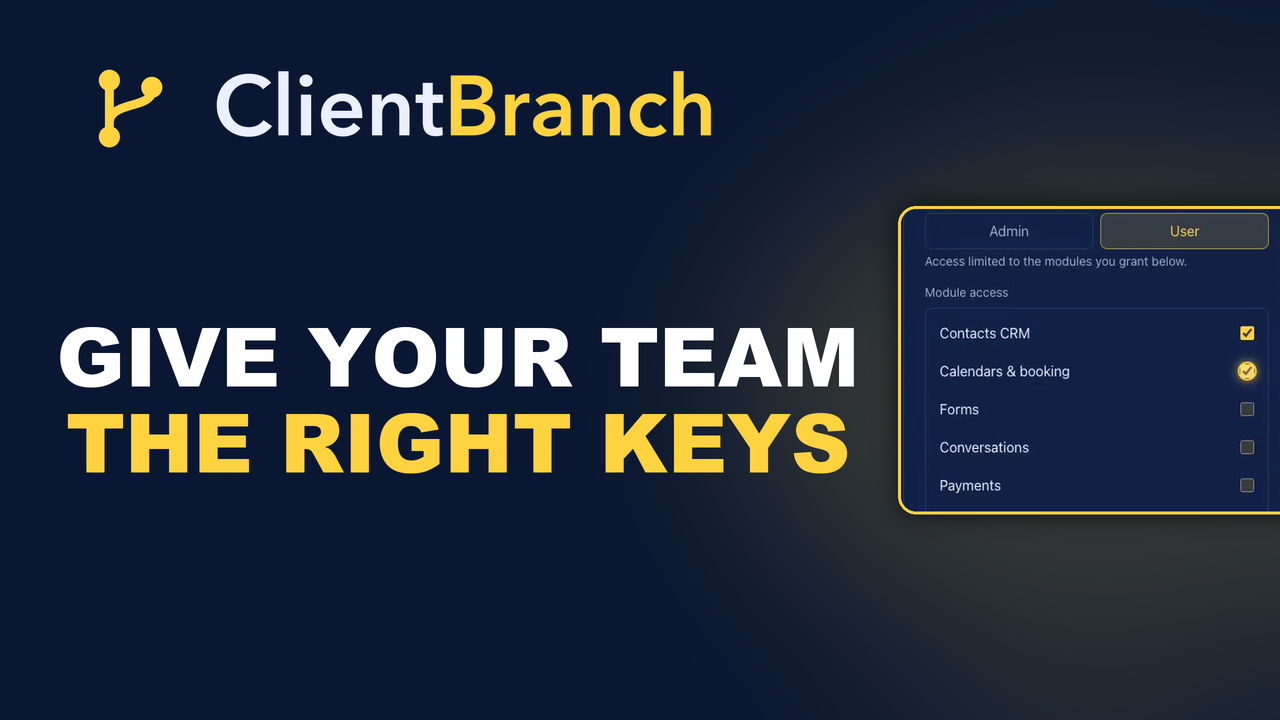
A User is what you want for most of your team. Their access is limited to the modules you grant, and nothing else.
Module access starts empty
This is the right default and it surprises people. Pick User and you get a switch for every part of the platform, all off.
Tick only what they need. A receptionist needs the calendar and the contacts. She almost certainly does not need to see what everybody is billed, so leave invoices off and that whole section simply is not there when she logs in.
Not greyed out, not showing a locked padlock. Not there. Which is the difference between a permission system and a suggestion.
Why this matters more as you grow
With two people, permissions feel like bureaucracy. With five, they are the thing that lets you hire somebody part-time without handing them your revenue figures, your client payment history and your billing settings on their first morning.
Getting it right early is much easier than retrofitting it onto a team that has always had everything.
Nobody can change their own role
Including you. That is deliberate, and it is what stops an account locking itself out when somebody demotes themselves by accident at the end of a long day.
Each person can change their own name, password and picture under My Account. Roles are set by an admin, on somebody else.
The other half of the picture
Permissions control what somebody can open. They do not control what somebody can be given, and the two get confused.
Assigning a task to a member of staff, or making them the host on a booking type, works regardless of their module access. If they cannot open the screen where that thing lives, they will still be told about it, they just cannot go rummaging through the rest.
A quick audit worth doing. Once a year, open the staff list and read it as a stranger would. Is everybody on it still working with you? Is anybody an Admin who does not need to be? Is there a login that belongs to a role rather than a person?
Removing somebody takes one click, and it is the click almost nobody remembers to make. Put it in the same slot as your insurance renewal and it will get done.
Ten minutes, once
Fill in the business details. Give each person their own login. Tick only the modules they need.
It is ten minutes of work that you will never think about again, and it quietly prevents about five different problems that are much harder to fix later: the invoice with the wrong company name, the booking offered at the wrong hour, the ex-employee who still has access, the receptionist who can see the revenue, and the argument about who was supposed to call the client back.
Start your free trial and set your team up properly.
Try ClientBranch free for 15 days
Get booked, get paid, and keep clients coming back, all from one place. No card required, cancel anytime.
Start my 15-day free trial