
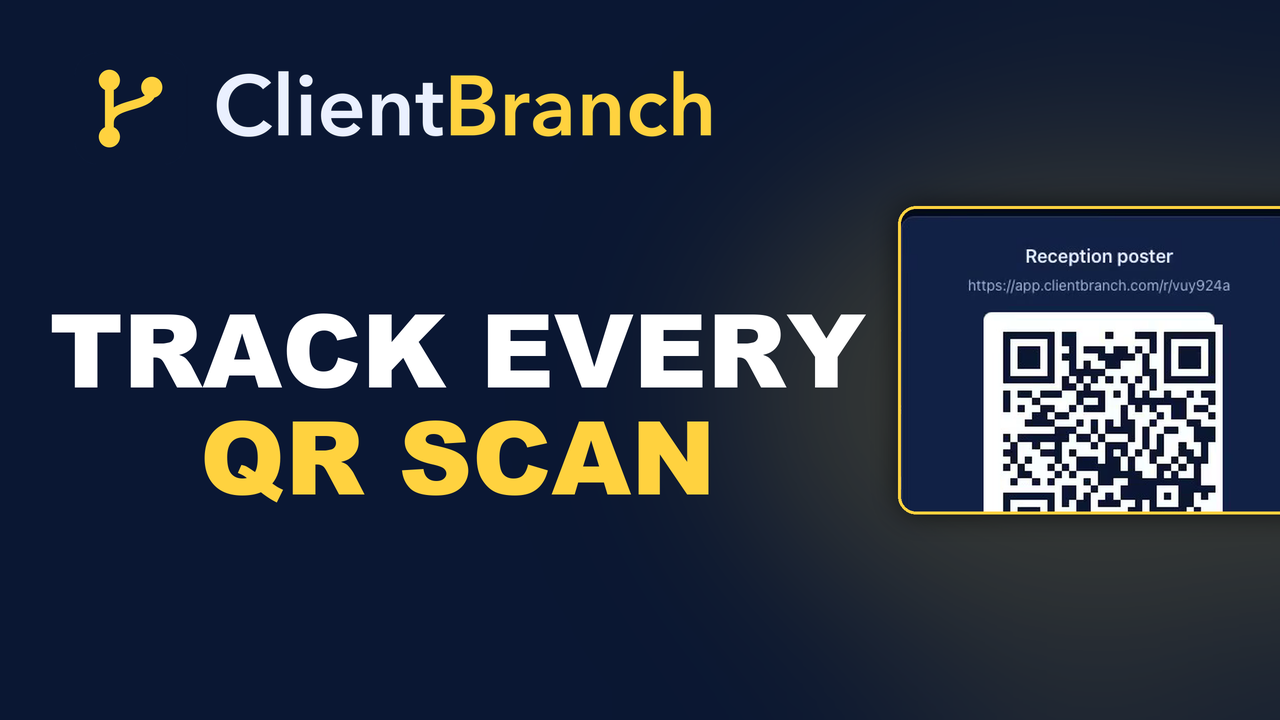
A Free QR Code Tells You Nothing. Here Is The Version That Does
Anyone can generate a QR code in four seconds. The problem is that a free one never tells you whether the flyer was worth printing. Here is how to make one that counts every scan.
You can make a QR code for free in about four seconds. Dozens of sites will do it. The image will be perfectly good, and you can print a thousand of them on a flyer.
What you will never find out is whether anybody scanned it.
That sounds like a small omission until you are standing in front of a box of leftover flyers deciding whether to print more, with nothing to go on but a feeling.
The whole difference is a counter
A QR code in ClientBranch is the same picture, pointing at the same link, with one addition: the scan goes through ClientBranch first, gets counted, and then drops the person exactly where you sent them.
They never notice. There is no interstitial, no branded landing page, no delay worth measuring. They point a camera and arrive at your booking page.
You, meanwhile, get a number next to every piece of print you have ever made.
What that number is worth
Here is a real shape of data. A flyer that has pulled a hundred and eighteen scans. A card on the reception desk that has pulled forty six. A sticker in the window that has pulled seven.
You have just learned three things. The flyer is working. The reception card is quietly doing a job nobody credits it with. And the window sticker is either in the wrong place, the wrong size, or pointing at something nobody wants.
None of that was knowable last month.
The destination picker saves the real mistake
When you create a code, instead of asking you to go and find a URL, it offers you your own links: your booking pages, your forms, your quizzes, your landing pages.
Pick one and the destination fills itself in. That matters more than convenience. The expensive mistake with printed QR codes is not a missing counter, it is a typo. A wrong character in a URL you pasted at eleven at night, discovered after a thousand flyers came back from the printer.
Label it for the person you will be in six months
Every code gets a label, and it is worth taking seriously, because in six months you will be looking at a list of codes and trying to remember which was which.
"Reception card" and "Autumn flyer" are useful. "QR 3" is not.
Getting the artwork out
Click a code and you get three things. A PNG for anything you are printing. An SVG if your designer wants it sharp at any size, which they will, because a QR code enlarged from a small PNG is how you end up with one that will not scan.
And the tracking link on its own, if you would rather paste that somewhere than use the image at all. The counter works the same either way, which makes it useful for things that are not print: a link in a podcast description, a line in a partner's newsletter.
Where to put them
The obvious places are the ones that work. On the desk where people wait. On a car window if you drive to clients. On the back of a business card, pointing at your booking page rather than your homepage.
The one people miss: inside things you already send. A code on an invoice pointing at your review page. A code on a receipt pointing at your loyalty offer. The paper is already going out; the code costs you nothing extra.
Point it at one thing
The most common failure is a code that points at a homepage. Somebody has just made a physical effort to scan something. Give them the single next step, not a menu.
A booking page. A form. A quiz. One decision, already loaded.
Get the destination right before you print
Check the link works before you send the file to the printer. It is a two-minute check that saves an embarrassing first week.
And if the link changes later, you do not need a reprint. Click Edit on the code in ClientBranch and give it a new destination. The printed code keeps working and sends people to the new address, because it points at a ClientBranch tracking link rather than straight at your page.
One code per placement, not one per campaign
The instinct is to make one code for the campaign and put it on everything. Resist it. The whole value is knowing which placement worked, and a single shared code tells you exactly as much as no code at all.
Same destination, separate codes: one for the flyer, one for the desk, one for the window. It costs nothing to create them and it is the only way the numbers mean anything.
What the counter does not tell you
A scan is a scan, not a booking. Somebody can scan a code, look at the page and leave, and the counter will still tick up.
So read it as attention rather than revenue: this piece of print got people to take out their phone. Whether they then booked is a question for the page you sent them to, and that is a different problem with a different fix.
Reading the results honestly
Give a code a few weeks before you judge it. Print takes time to circulate, and a sticker in a window is a slow burn compared with a flyer handed to somebody.
But do judge it. The point of the counter is to make a decision: print more of that one, move that one somewhere else, stop making that one entirely.
Guessing which of your marketing works is the expensive habit. This is one of the cheapest places to stop.
Most small businesses have never had a single number attached to a piece of print. They spend a few hundred dollars on flyers each year, hand them out, and decide by instinct whether it was worth it. A counter turns that into a decision you can defend, and it takes about a minute to set up per code.
Start your free trial and put a counter on your next print run.
Try ClientBranch free for 15 days
Get booked, get paid, and keep clients coming back, all from one place. No card required, cancel anytime.
Start my 15-day free trial