
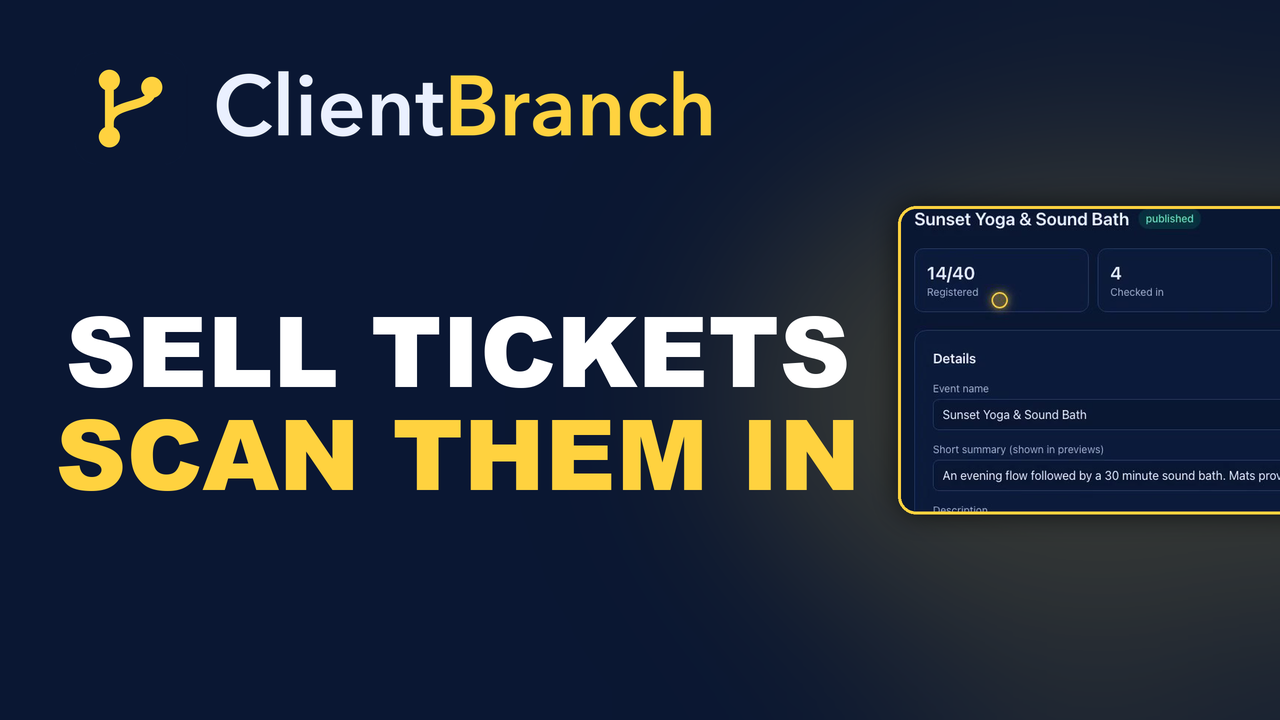
Sell Tickets, Scan Them In, and Keep the Audience
A hundred people paid to come and see you, and most ticketing platforms hand you a payout and keep the audience. Here is how to run the whole event yourself and own the list at the end of it.
Running your own event is one of the best things a small business can do, and the reason most people only do it once is the admin.
The event itself is fine. You know how to run the room. It is everything wrapped around it: the ticket platform that takes a slice, the spreadsheet of who paid, the person who bought over the phone and exists nowhere, the printed list at the door that somebody has to tick with a pen, and the horrible realization two weeks later that you have a hundred people who came to your thing and no way to contact any of them.
The list is worth more than the ticket money
Start here, because it changes what you build.
A hundred people paid to come and see you. They chose you, gave you money, and turned up. That is the warmest audience you will ever have, and for most businesses running an event through a ticketing site, it evaporates the moment the doors close. The platform has the emails. You have a payout and a memory.
Do it your way and every registrant becomes a contact in your own CRM, tagged with the event, whether they bought online, paid you in cash, or booked through somebody else. Next time you run one, you are not starting from zero and buying reach. You are emailing people who already came once.
Build the page in one sitting
Go to Events, then New event, name it, then fill in the parts that answer an attendee's questions before they have to ask: summary, description, cover image, whether it is in person, online or hybrid, the venue or the join link, start and end time, timezone, capacity, and a registration deadline if you want one.
Add your hosted by details so people know who is running it. Every page and email shows times in the event's own timezone with the full date range, so a two day workshop reads as one block from the first morning to the final wrap rather than two events people have to mentally staple together.
Then Publish, and the page is live at its own link. Copy that anywhere, or grab the embed snippet to put a floating "get tickets" button on your existing website. If it is a private thing, set visibility to unlisted and search engines leave it alone.
Free RSVPs and paid tickets are the same machine
Leave the price blank and it is a free RSVP: people register, confirm instantly, and get a confirmation email with a check in code.
Set a price and they check out through your own connected Stripe account. The money lands in your payments ledger, and the ticket only confirms once it is paid, so you never have a phantom attendee holding a seat.
Add more than one ticket type when you need to. Early Bird with its own price and its own quantity, VIP above it. Early Bird selling out is a deadline that does your marketing for you.
The people who did not buy online
This is the part every other ticketing setup handles badly, and it is the reason door lists end up as two documents.
Somebody pays you in cash. Somebody books over the phone. Somebody came through a promoter. Hit Add attendee, enter their details, pick the ticket, and note what they paid elsewhere so your revenue figure stays honest.
They get a real ticket with a real QR code, emailed to them. They count toward capacity. They become a contact with the event tag. They trigger the same automations as anybody who bought online. One list, one set of numbers, regardless of how the money arrived.
Tag everybody on the way in
Set a contact tag on the event and every registrant's contact record picks it up the moment they register.
That is your permanent audience for this thing. Filter Contacts by it, send a campaign to exactly those people, use it in an automation. A year later, "everybody who came to the 2026 workshop" is still one click, which is not true of any export you took at the time.
The private details belong on the ticket, not the page
There is information attendees need that the public has no business seeing: the exact meeting point, the door code, parking, what to bring, the full timings.
Put it in attendee only details. It never shows on the public event page. It appears on each attendee's private ticket page, linked from their confirmation email, along with the join link for online and hybrid events.
And it updates live. Edit the box and every ticket page changes instantly, so the ticket in somebody's pocket is always current rather than a snapshot of what was true when they bought.
When something changes, tell everyone in one go
The venue moves. The start time shifts by half an hour. Under Registrations, hit Email attendees, type the update, send.
Everyone with a confirmed ticket gets a personalized branded email with your message and a button back to their own ticket page, where the new details are already live. Cancelled tickets are skipped on their own. No exporting a list into a spreadsheet, no BCC gymnastics, no wondering whether the person who refunded last week just got a message about parking.
At the door, use the camera
On the day, open the event and hit Check in. Scan each QR code with your phone camera, or type a code by hand for the person whose battery died.
You get a running count and a list of who has arrived, so you know how full the room is while there is still time to do something about it. Each ticket checks in once, which quietly kills the forwarded screenshot problem.
Attendees get an automatic reminder twenty four hours before, which is the single highest value email in the whole sequence and the one people forget to send.
Then do something with the audience
The event ending is where most of the value gets left on the table.
You can trigger an automation from someone registers or someone checks in. Which means the people who turned up can get a different follow up from the people who booked and did not, and both can be different from the general list.
A thank you the next morning while it is fresh. An offer three days later, aimed only at people who were in the room. Then the invitation to the next one, six months on, to a tagged audience who already know exactly what they are buying.
That is the difference between an event being a good night and an event being a machine you can run again.
Start your free trial of ClientBranch and put your next event on sale this week.
Try ClientBranch free for 15 days
Get booked, get paid, and keep clients coming back, all from one place. No card required, cancel anytime.
Start my 15-day free trial