
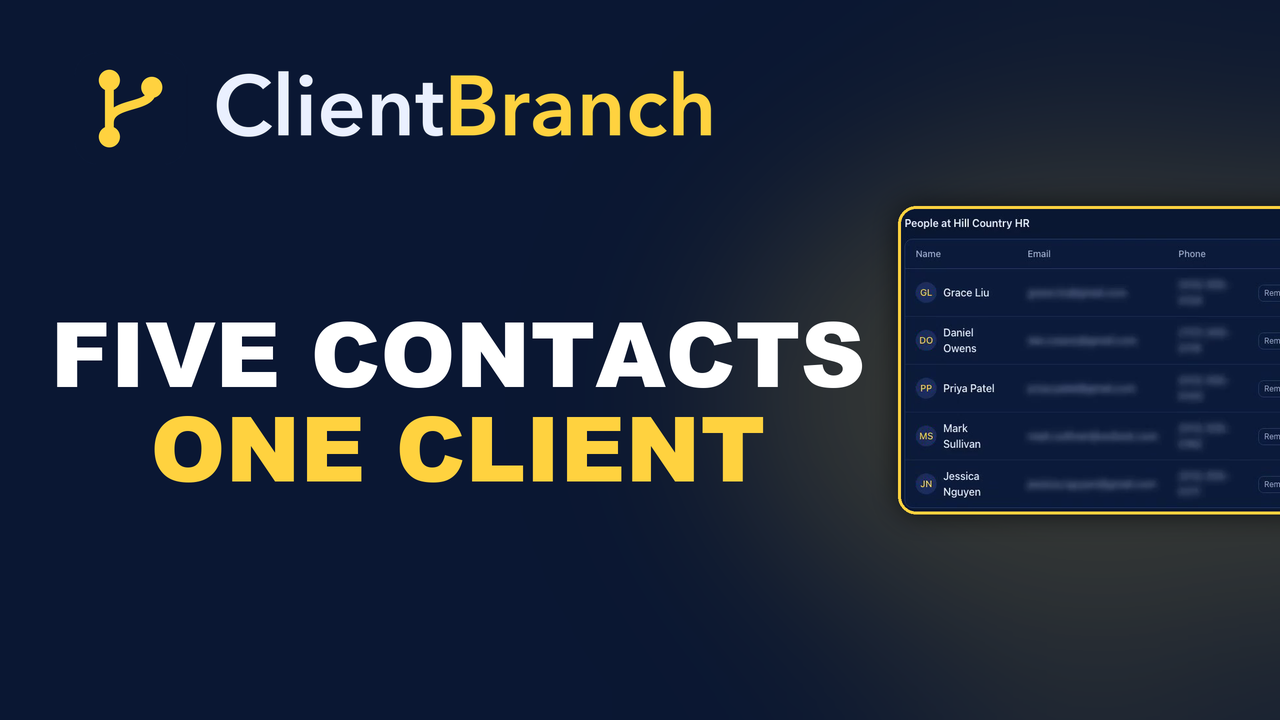
When One Client Is Really Five People In Your Contact List
A firm books a wellbeing day and suddenly you have five unrelated contacts who happen to share an email domain. Here is how to make that look like the one relationship it really is.
A lot of good work does not come from a person. It comes from an organization.
A firm books a wellbeing day for forty staff. A studio down the road shares a room with you on Saturdays. A coworking space keeps sending members your way. In every one of those, you deal with several people over time: whoever booked it, whoever pays it, whoever turns up on the day, and whoever replaces them when they leave.
In most contact lists those people are five unrelated entries who happen to share the end of their email address.
What that costs you
It costs you the shape of the relationship. You cannot see, at a glance, that this organization has booked you four times, that one of those bookings is unpaid, and that the person who arranged the last one has gone quiet.
It also costs you the handover. When somebody new is dealing with the account, they have to reconstruct all of that from a search box and a hunch.
Give the organization a record of its own
Under Contacts, next to your people, is Companies. A company is a record in its own right, with a name, a website, an industry, contact details and a notes field. Every contact who works there points at it.
Open one and the right-hand panel lists everybody in your contacts who works at that organization. Instead of five separate people, you are looking at one relationship.
Adding one takes seconds
Hit Add Company. Only the name is required, but the website and the industry are worth filling in while you are there, because those are the columns you will scan the list by later.
Press Create and open and you land on the record. Every detail on it edits in place, so you click the thing you want to change rather than hunting for an edit button.
The notes field is underrated
Notes is where the things that do not fit in a field go. Who signs off. Which address to invoice, as opposed to which address emails you. What they book, when they book it, and what went slightly wrong last time.
That is the stuff you would otherwise be trying to remember mid-phone-call, or worse, the stuff only one person in your business knows.
Linking people to it
A company does not gather its people on its own. You point each contact at it, and you do that from the contact: open them, and pick the company from the Company dropdown on their details panel. That is the whole job.
A contact belongs to one company at a time, so changing it moves them rather than adding a second. That is deliberate. People do leave and go somewhere else, and their history should follow them.
The column that tells you something is wrong
The companies list has a Contacts column counting how many of your people point at each organization. It is the fastest health check you have.
A firm you genuinely work with showing a single linked person almost always means somebody new got added without their company being set. You will find out the hard way otherwise, usually when you try to email that account and reach one person out of five.
Two ways in, and one you will use most
There are two directions you can approach this from. From the contact, picking their company on their record, which is the one you will use ninety percent of the time because it fits the moment you learn the information.
And from the company, where the People panel shows you who is already attached, so you can see at a glance whether anybody is missing. Use that one as a check rather than a workflow.
Companies or tags?
People ask this a lot, and the line is simple. Companies group people by where they work. Tags group them by anything else you care about: VIP, corporate, waiting list, deep tissue.
Somebody can carry as many tags as you like and belongs to exactly one company. Use both. They answer different questions.
Deleting a company never deletes the people at it. They stay in your contacts with no company set. That is worth knowing before you tidy anything up, because the fear of losing contacts is what stops most people ever cleaning their CRM.
How this changes what you can send
Once your people point at their organizations, you can do things that were previously guesswork. You can see every contact at a firm before renewing an arrangement with them. You can spot that three of your best clients all came from the same coworking space, which tells you where to spend your next hour.
And when the person you deal with leaves, which they always eventually do, you are not starting from zero. Their colleagues are already on the record.
Five minutes that pays for itself
If you already have a contact list, the quickest way in is to work backwards from your invoices. Look at who you have billed in the last year, and where more than one person shares an organization, create the company and point them at it.
For most small businesses that is a handful of companies and about five minutes of clicking. It is one of the few pieces of CRM tidying that pays you back the first time you use it.
The point of all of it
You are not doing data entry for its own sake. You are making it possible to walk into a conversation knowing what your business has already done for that organization, without having to ask a colleague or scroll a search result.
One relationship, one record, everybody who works there attached to it.
Start your free trial and stop treating one client as five strangers.
Try ClientBranch free for 15 days
Get booked, get paid, and keep clients coming back, all from one place. No card required, cancel anytime.
Start my 15-day free trial